
Optimize Your Amazon Listing with 3D Visuals
In the crowded marketplace of Amazon, your product listing is your storefront. You cannot rely on a salesperson to explain your product’s benefits; your images and videos must do the heavy lifting.
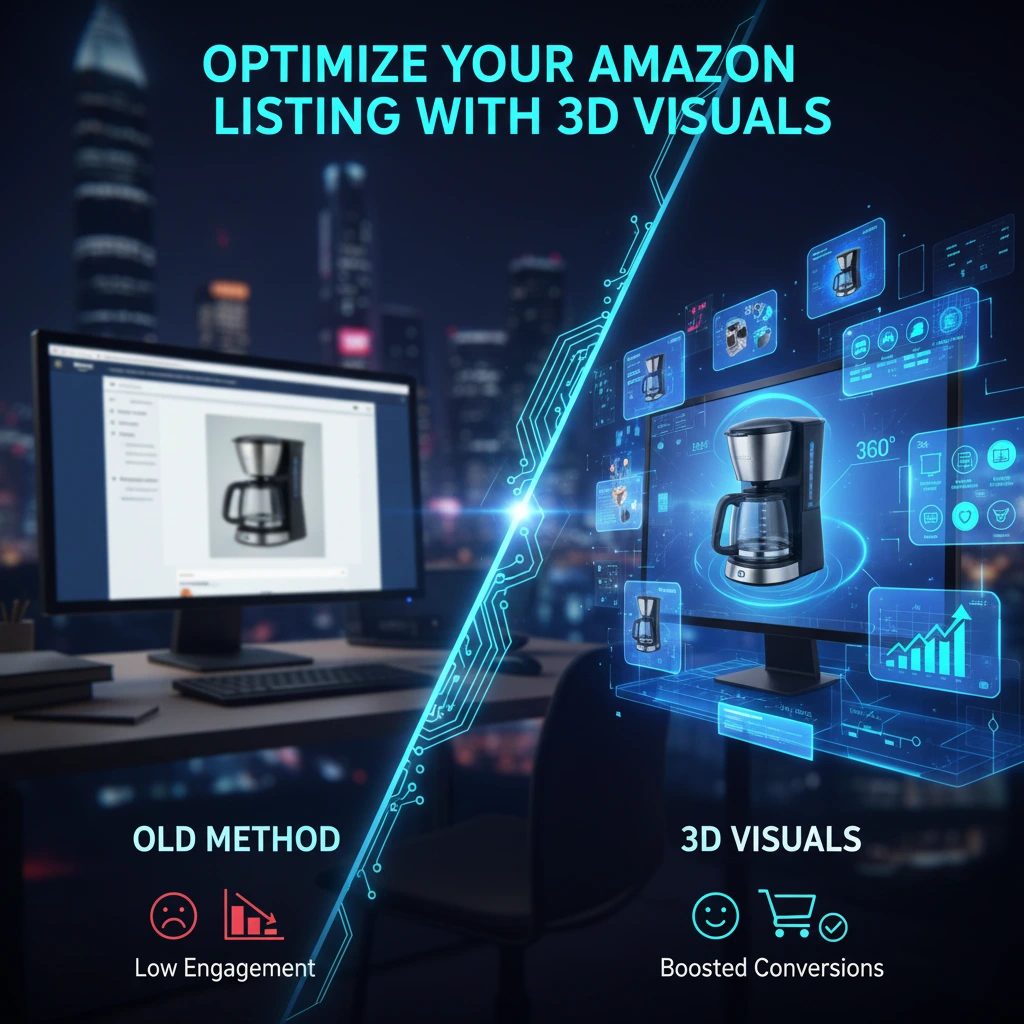
Many sellers focus heavily on keywords for SEO, but they forget that while keywords bring traffic, visuals drive conversions.
This guide explores how to fully optimize every section of your Amazon listing using 3D visuals, ensuring you maximize every opportunity to turn a browser into a buyer.
1. The Main Image: Winning the Click
The main hero image is the single most important asset on your listing. It is the first thing a customer sees in search results. If it doesn’t pop, your click-through rate (CTR) suffers.
Why 3D Works Better: Amazon requires the main image to be on a pure white background. Traditional photography often struggles here lighting can look flat, or the white background removal can leave jagged edges.
- Sharpness: 3D rendering produces razor sharp edges and perfect contrast against the white background.
- Lighting: You can use “rim lighting” in 3D to make the product subtly glow and stand out from the page.
- Perfection: Remove manufacturing defects, dust, or misalignment that might appear in a photo of a prototype.
2. Secondary Images: Informative Infographics
Once a customer clicks, they scroll through your secondary images. This is where you educate them. Text alone is boring; you need visual data.
How to Use 3D:
- Dimensions & Scale: Use a 3D model to show exact measurements clearly.
- Features Callout: Create a render with pointers highlighting key features
- Comparison Charts: Visually compare your 3D model against a “generic” competitor model to show superior build quality.
3. A+ Content (Enhanced Brand Content)
For brand registered sellers, A+ Content allows for rich storytelling below the fold. This is your chance to build a brand identity.
3D Strategies for A+ Content:
- Lifestyle Scenes: Instead of organizing an expensive photoshoot in a kitchen or living room, use 3D to place your product in a photorealistic digital environment. It looks expensive but costs a fraction of a location shoot.
- Cross-Selling: Use a group render showing your entire product lineup together to encourage customers to buy more items from your brand.
- Macro Details: Zoom in on textures (leather grain, metal finish) to convey a sense of luxury and durability.
4. The Product Video
Listings with video convert significantly higher than those without. Amazon gives you a dedicated slot for this in the image gallery.
The 3D Advantage: A 3D product animation can explain complex functions in seconds.
- Assembly: If your product requires setup, show a fast-motion 3D assembly.
- Internal Mechanics: Use transparency to show the copper motor inside a fan or the battery life of a gadget.
- 360 Spin: A simple rotating video allows the customer to see the product from every angle, removing the fear of “hidden bad sides.”
5. Mobile Optimization
Remember that over 50% of shopping happens on mobile. Mobile screens are small, making detailed text hard to read.
3D visuals are inherently cleaner. By using high-contrast 3D renders with large, bold text overlays, you ensure your listing is “thumb-friendly.” Customers can understand your product simply by swiping through the images, without needing to pinch-and-zoom to read tiny text on a package.
Conclusion
Optimizing your Amazon listing is not a “set it and forget it” task. It requires high-quality assets that build trust. 3D visuals offer a level of control, consistency, and clarity that photography simply cannot match.
By upgrading your Main Image, Infographics, and Video with professional 3D content, you are not just making your listing look better you are engineering it to sell.
Multiverzz Studio helps Amazon sellers dominate their niche with high-converting 3D images and animations. Ready to upgrade your listing? Contact us today.