
Sell Comfort at Work: 3D Animation for Office Furniture
Selling a $1,000 office chair online is a challenge. The customer cannot sit in it. They cannot feel the lumbar support or test the recline tension.
To the untrained eye, a cheap chair and a premium ergonomic chair look similar in a photo.
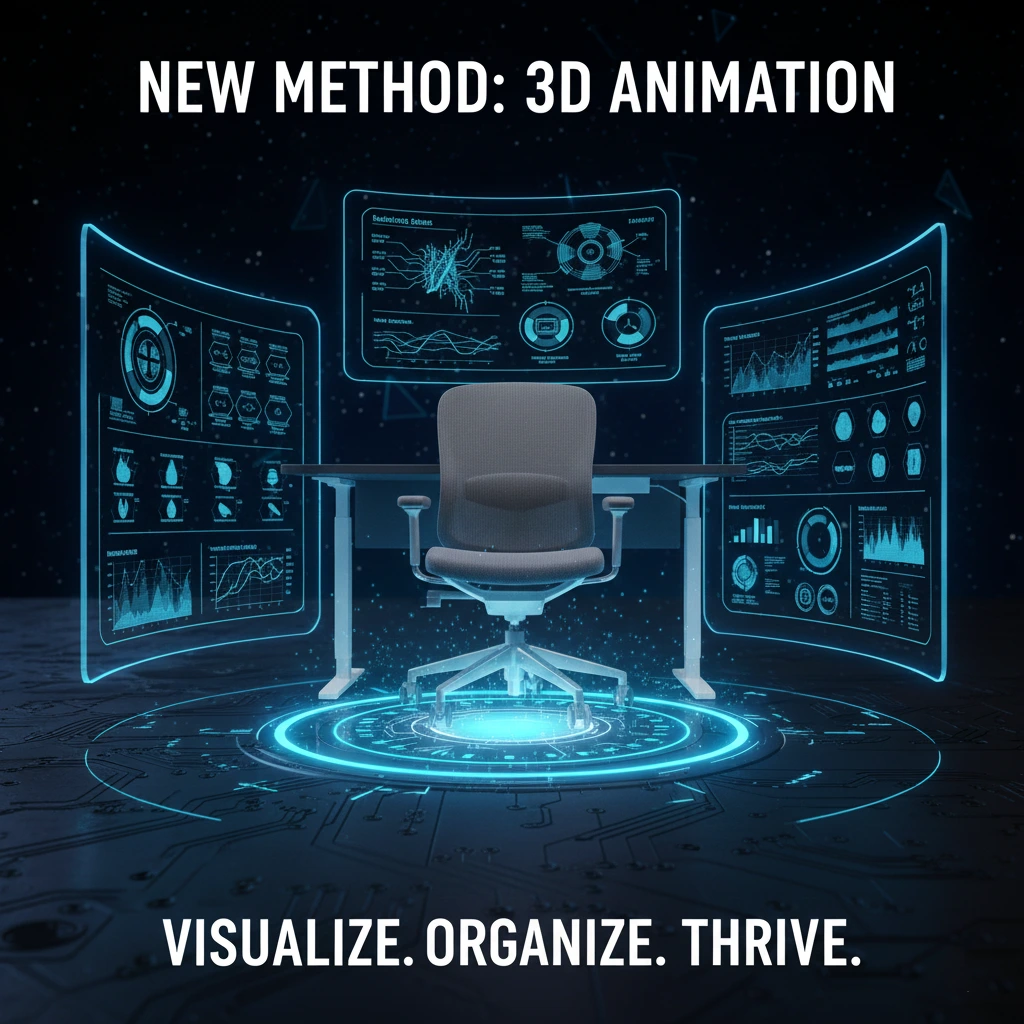
To justify the price and prove the comfort, brands like Herman Miller and Steelcase rely on 3D Product Animation. Here is how 3D helps you visualize the science of sitting.
1. X-Ray Ergonomics (The Spine)
The main selling point of a premium chair is back support. But the mechanism is often hidden inside the plastic or foam.
3D animation allows for a transparent Spine Reveal.
- Lumbar Support: Use X-Ray views to show the internal plastic ribs flexing to match the curvature of a digital human spine.
- Posture Correction: Visualize the chair guiding the user from a slouch to a perfect upright posture.
- Pressure Mapping: Use a heat map to show weight being distributed evenly across the seat, eliminating hot spots (pain points).
2. Visualizing “Breathability” (Mesh Technology)
Mesh chairs are popular because they keep you cool. But how do you photograph airflow?
3D animation makes it visible.
- The Flow: Animate blue air particles passing freely through the mesh fabric.
- The Tension: Show the mesh stretching like a trampoline to cradle the user’s weight without sagging.
- Comparison: Contrast this with a traditional foam chair trapping heat (shown in red) to prove your mesh design is superior.
3. The Mechanics of Adjustability
Premium furniture is adjustable in a dozen ways. Armrests go up, down, and rotate. Seats slide forward.
Filming a person adjusting all these knobs can look clumsy. 3D animation offers a smooth Mechanical Ballet.
- Synchronized Tilt: Show the seat and backrest moving in perfect harmony as the ghost user reclines.
- Armrest 4D: Visualize the armrests moving in all four directions (Height, Width, Depth, Pivot) to prove they fit any body type.
4. Durability Testing (The Piston)
Customers worry that the gas lift piston will fail or the wheels will break.
3D simulation provides a clean Stress Test.
- The Slam: Show a heavy weight dropping onto the seat to prove the piston’s strength (Class 4 Gas Lift).
- The Roll: Visualize the casters rolling smoothly over carpet and hardwood without scratching.
- Cycle Test: Use a counter to simulate 100,000 Reclines in seconds, proving longevity.
5. Office Planning (Context)
B2B buyers (Office Managers) need to see how 50 of these chairs look in a room.
Building a physical showroom is expensive. With 3D, we can place your furniture in a Digital Office.
- Scale: Show the furniture in a photorealistic open plan office with perfect lighting.
- Configuration: Instantly switch the fabric colors of 50 chairs from Black to Blue to match the client’s corporate branding.
Conclusion
In the furniture business, comfort is king, but engineering is queen. 3D animation allows you to peel back the layers of design to show the mechanical genius that keeps workers comfortable and productive.
Multiverzz Studio creates structural and ergonomic 3D animations for the furniture industry. Sit back and watch your sales grow. Contact us today.